M @kitchenbymia on TikTok
Crispy Chicken Rice Bowl
Chicken breasts 2
Jasmine rice 1 cup
Panko breadcrumbs ½ cup
Avocado 1
Start Cook Mode →
Nummy turns TikTok, Instagram & YouTube videos into clean recipes, weekly plans, and one tidy shopping list. Share a video, get dinner.
Recipe videos pile up in your likes and never turn into dinner. Nummy pulls them out and makes them cookable, with ingredients, steps, and a shopping list, ready to go.
See a recipe you love? Send it to Nummy straight from the share sheet. It does the rest.
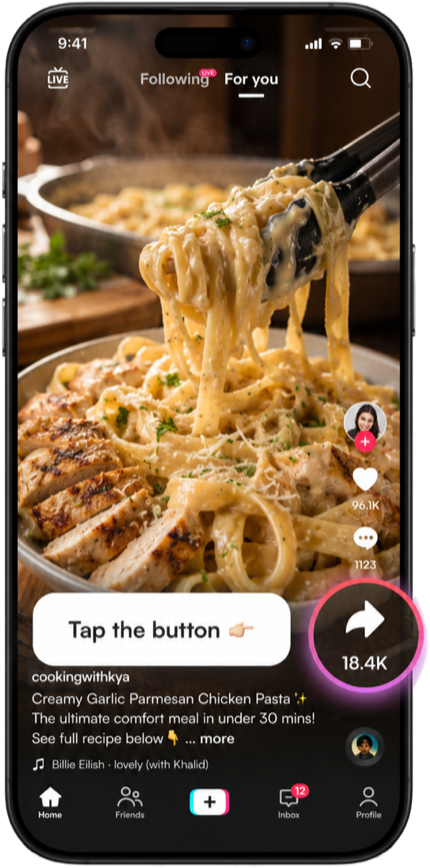
On TikTok, Reels or YouTube, hit the share arrow on the recipe.
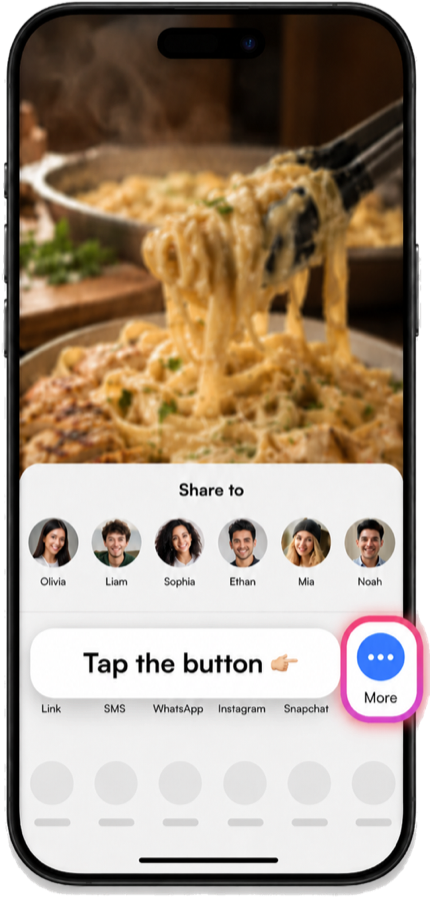
Scroll the share row and open More to see every app.
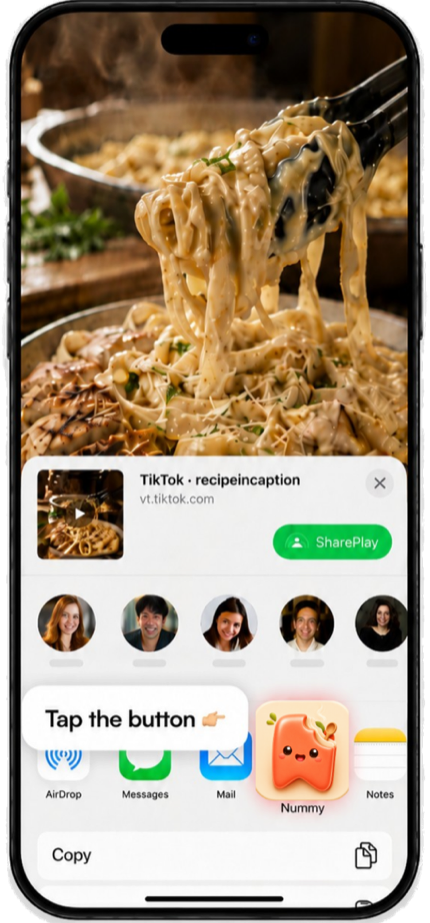
Pick Nummy and the recipe imports itself, ingredients, steps and all.
No share button? Just paste the link inside Nummy. Same result.
TikTok, Instagram and YouTube in one tap. Even spoken-only recipes with no written caption.
Big, clean steps you swipe through one at a time, and the screen stays awake so it never dims mid-recipe.
Pick up to seven recipes for the week and Nummy pulls them into one simple plan.
Every ingredient from every recipe, merged and sorted by aisle. Copy it and go.

Nummy is on the App Store. Bring your saved videos.
Get NummyFree to try on iPhone. No account needed.